What has changed?
Salesforce has required multi-factor authentication for several years, but its June 2026 enforcement changes move the platform from a contractual requirement towards technical enforcement. Salesforce’s administrator guidance states that MFA enforcement for employee users began on 26 June 2026. Organisations that had disabled the direct-login MFA setting, or assigned the permission intended to waive MFA for exempt users, should not assume those routes will continue to avoid an MFA challenge.
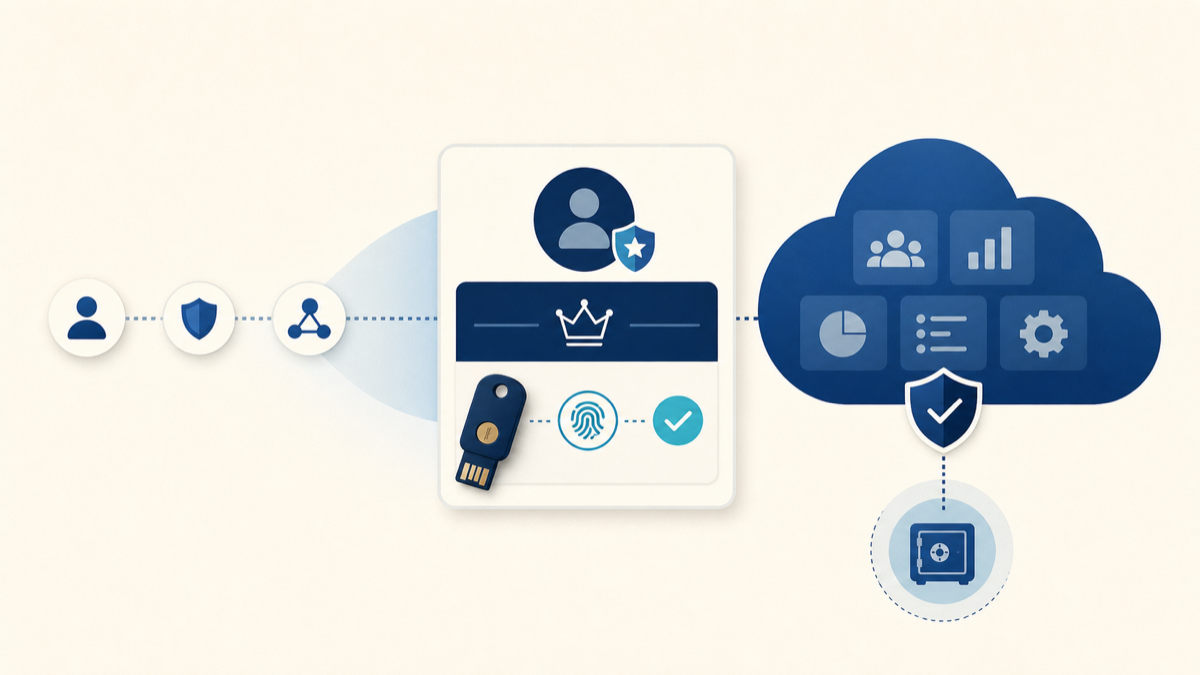
There is an additional requirement for privileged users. Salesforce identifies System Administrators and users with powerful permissions—including Modify All Data, View All Data, Customize Application and Author Apex—as needing phishing-resistant MFA. This is more specific than simply asking for a code from an authenticator app.
Phishing-resistant methods use public-key cryptography and bind authentication to the genuine service. A fake login page cannot simply relay a reusable one-time code. Salesforce supports passkeys through built-in authenticators, including Windows Hello and Touch ID, and through compatible physical security keys.
Who may be affected?
The immediate preparation work is relevant to organisations with employee users logging in directly to Salesforce, and especially to administrators or other users carrying the privileged permissions listed by Salesforce. The exact population should be identified from active users and their effective permissions rather than inferred only from profile names.
Organisations using single sign-on also need to check their configuration. SSO is not automatically evidence that phishing-resistant MFA occurred. Salesforce’s current guidance explains that the identity provider must pass a recognised Authentication Methods Reference (AMR) or Authentication Context Class Reference (ACR) signal. If Salesforce cannot recognise an appropriate signal, a privileged user may be prompted to enrol a compliant method in Salesforce.
External Experience Cloud users are not necessarily in the same scope as employee users. Salesforce’s current help article distinguishes employee and privileged access from external licence types, so organisations should avoid sending broad instructions until they have confirmed which users and login journeys are affected.
Important dates
- 5 May 2026
Salesforce published its privileged-user enforcement guidance. - 26 June 2026
Salesforce’s administrator guidance says employee-user MFA enforcement began. - Now
Validate privileged users, login methods, SSO signals and recovery arrangements.
Enforcement can be experienced differently depending on org configuration, login route and the authentication evidence Salesforce receives. The sensible response is to test the actual journeys used by the organisation rather than treating the date as proof that every user has already seen the same prompt.
Direct login and SSO need different checks
Direct Salesforce login
For direct login, privileged users should have access to an approved phishing-resistant verifier. Built-in authenticators can provide a practical route when managed devices support Windows Hello, Touch ID or another compatible platform authenticator. Physical WebAuthn or FIDO2 security keys can be useful where biometrics are unavailable, mobile devices are restricted or a separate recovery method is required.
Single sign-on
For SSO, involve the identity team. Confirm that the chosen phishing-resistant method is actually used at the identity provider and that the resulting SAML or OIDC assertion includes a value Salesforce recognises at the required strength. A generic indication that “MFA happened” may represent standard MFA rather than phishing-resistant MFA.
Connected apps using an interactive OAuth web-server or hybrid flow can also bring a user through a Salesforce UI authorisation step and therefore into the MFA journey. Non-interactive JWT bearer and client-credentials flows are treated differently because they do not require the same UI login. Integration owners should identify the flow in use before assuming there is no impact.
What should organisations do now?
- Identify privileged users. Review active users and effective permissions, including permission sets and permission-set groups. Confirm whether every elevated permission is still needed.
- Map login routes. Separate direct Salesforce login, SAML SSO, OIDC SSO and interactive OAuth journeys. Include sandboxes and emergency administrator access.
- Agree supported authenticators. Work with IT and security teams to decide where managed-device passkeys or physical keys are appropriate. Consider accessibility, shared devices and restricted-device environments.
- Check SSO signals. Verify the AMR or ACR values produced after a phishing-resistant sign-in and confirm Salesforce interprets them as intended.
- Test in a sandbox. Exercise enrolment, normal login, a lost-device scenario and a direct administrator login. Record who owns changes at the identity provider and in Salesforce.
- Prepare recovery. Avoid relying on one administrator or one physical key. Agree an identity-checked break-glass process and keep it separate from ordinary day-to-day access.
- Communicate by audience. Give privileged users clear instructions before a prompt blocks urgent work. Standard users may need different guidance.
Sandbox and production considerations
MFA verifiers are org-specific. Salesforce’s current guidance highlights a particular risk after a sandbox refresh: SAML settings can be disabled until they are reconfigured for the refreshed sandbox, while registered verifiers do not simply carry over. An administrator may therefore need a direct-login route and a newly registered phishing-resistant verifier before SSO can be restored.
Plan this before the refresh. Confirm the sandbox username, direct-login credentials, authenticator availability and the person authorised to re-enable SSO. Test the sequence in a controlled window rather than discovering the dependency during a time-sensitive release.
The Ostrelis view
This is an identity change, not just a Salesforce toggle. The most common delivery risk is fragmented ownership: Salesforce administrators understand permissions, identity teams understand SSO, endpoint teams control device authenticators and service owners understand which integrations use an interactive login. The preparation plan needs all four views.
Start with the user and dependency inventory. Reduce unnecessary privileged access before distributing keys. Test representative direct and SSO journeys, including failure and recovery paths. Sequence communication so administrators are ready first, then monitor real login outcomes rather than assuming configuration alone proves success.
Ostrelis can help assess the Salesforce side of the requirement, identify privileged access and connected-app dependencies, coordinate sandbox testing and turn findings into a practical rollout plan. For a broader evidence-based review, see our Salesforce health check and Salesforce support services.
Need help getting prepared?
Ostrelis can help assess whether this change affects your Salesforce environment, identify dependencies and plan the work needed to prepare safely.
Talk to a Salesforce expertSources
- Prepare for Phishing-Resistant MFA Enforcement for Privileged Users including Admins — Salesforce Help (5 May 2026; updated 16 June 2026, accessed 13 July 2026)
- Prepare Your Org for Salesforce MFA Enforcement — Salesforce Admins (22 June 2026; updated 6 July 2026, accessed 13 July 2026)
- Passwordless Login with Passkeys — Salesforce Help (Current product documentation, accessed 13 July 2026)
- Security Keys (Passkeys) for MFA — Salesforce Help (Current product documentation, accessed 13 July 2026)